Bridge Builder
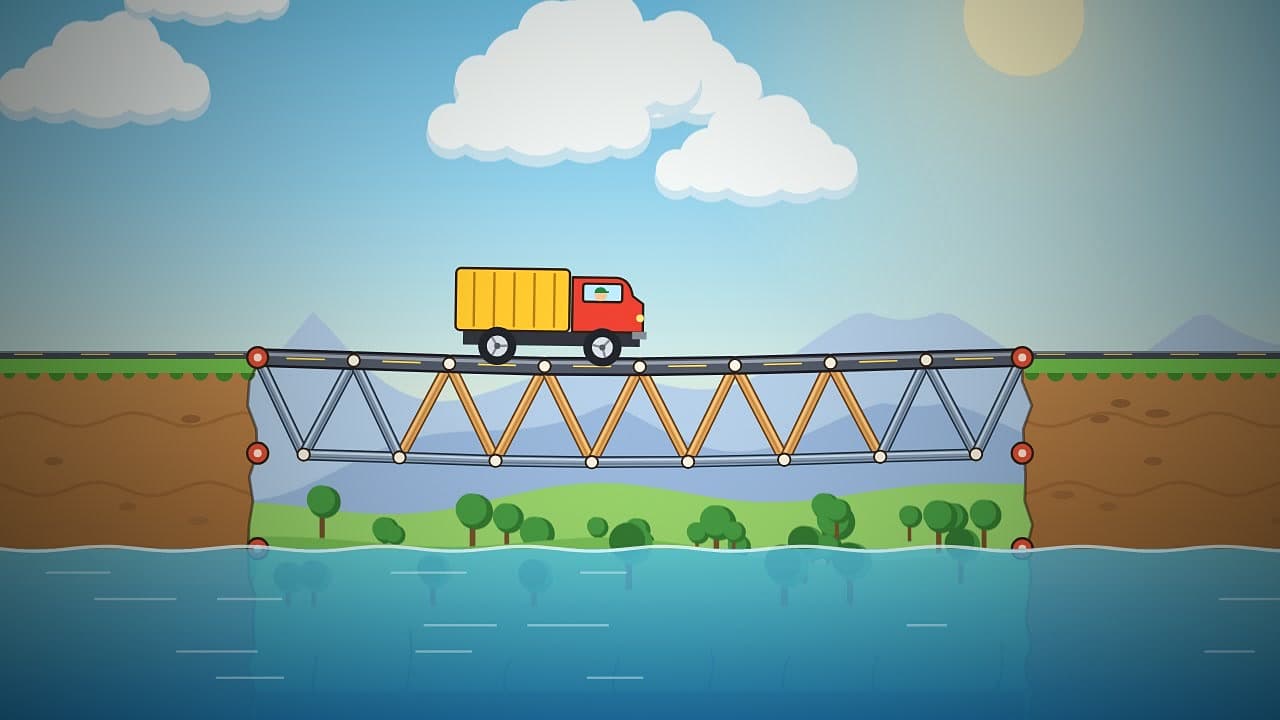
Build the truss, then send the truck
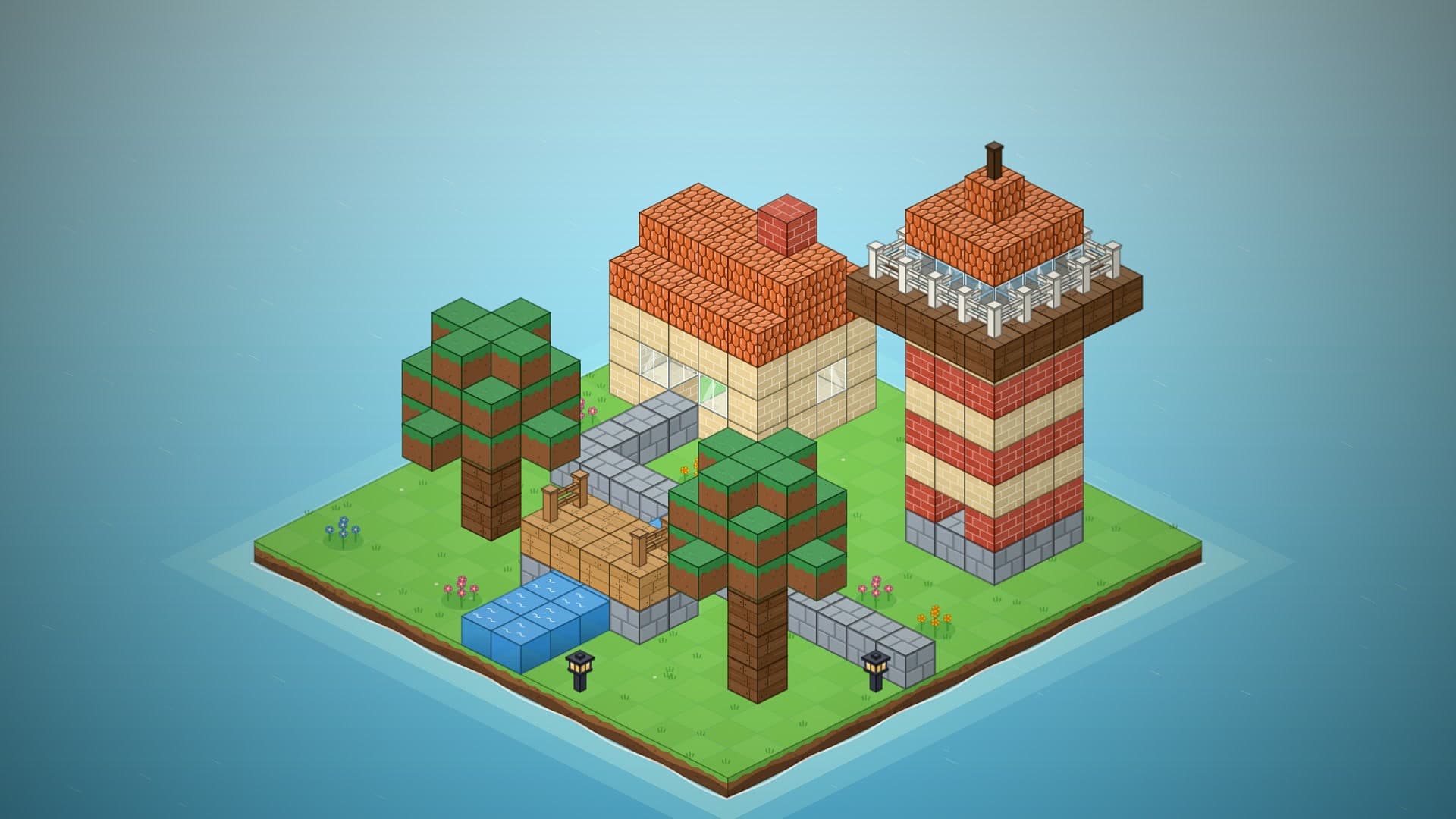
Block Builder is a calm isometric sandbox of chunky cubes on a little island in the sea. Tap or click any face to put a block on it, drag to paint a whole row at once, and right-click, long-press or pick the eraser to take one away. There are twelve kinds of block, most of them in three or four colours: grass and dirt, stone and brick, wood planks and glass, water, roof tiles, flowers, lamps, fences and stairs. Turn the island in quarter steps, zoom in close, and slide the layer control down to cut the top off a house and build the rooms inside.
Blocks need support. Everything rests on the ground or on another block, sturdy blocks can reach out up to three cells sideways to make a lintel, a balcony or a bridge, and water and flowers only grow on the ground, grass or dirt. Take a support away and whatever stood on it settles down one layer at a time with a soft thud. The Test button gives the island a gentle shake to see which long reaches let go, and Back puts every block exactly where it was.
Forty challenges are a quick brain workout: a translucent blueprint shows a cottage, a footbridge, a lighthouse, a tree, a pixel-art rocket, a tiny village or a hedge maze, and you fill it in. Three stars for an exact match, staying within the block budget and finishing under par taps, so painting long rows pays off. Free build is the place to relax: an empty sixteen by sixteen island, no budget, a day and night switch that lights every lamp, twenty saved builds in your browser and a Photo button that saves a picture of your work.
Build bridges, towers, cities and machines, then test them.
Block Builder
Stack blocks, build anything